
Using Meeting Filters
Need to find all the literature meetings? Meetings aimed at newcomers? Only the camera-required Zoom meetings? Only Spanish-language meetings? You can do that by using filters.
The old meeting calendar had filters in the sidebar. On the new calendar, filters appear as capsules below the search bar when you click “Show Filters.”


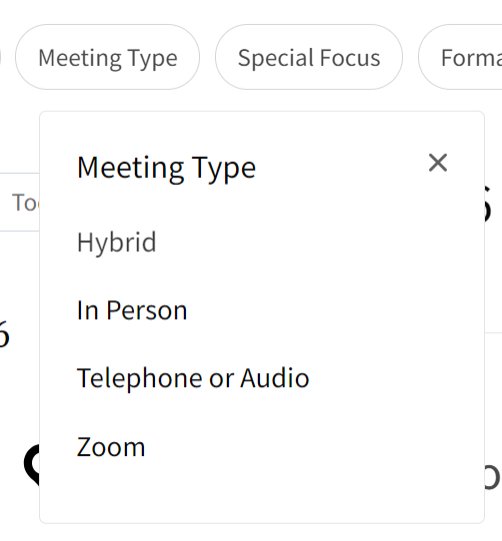
When you click a filter, you see a drop-down list of possible choices for that filter. If the list is long, you may need to scroll to find your selection.
Note that the “Country” filter only applies to in-person meetings, which is why the list of countries is short even though there are GreySheeters all over the world. If you want to find all the meetings from a particular region, you may want to use the “Intergroup” or “Language” filter instead.
Filtering happens automatically: once you make your selection, the list will update. In addition to seeing a new, shorter list of meetings, you will see your chosen filter in the filter capsule.

You can apply multiple filters, but that works best on telephone or Zoom meetings: the total number of in-person and hybrid meetings is small.
You can remove a filter by clicking the “x” on the right side of its capsule or the “Clear” button.