
Find a Meeting by Keyword (Meeting Search)
If you know the name or ID of a meeting, searching is faster than filtering. To use the meeting search, enter your search term in the “Find meetings by keyword” box on the left of the meeting filter bar and click “Enter.”

If you search for the phrase “Without Exception,” you will see all the upcoming occurrences of meetings with that name (there are three).
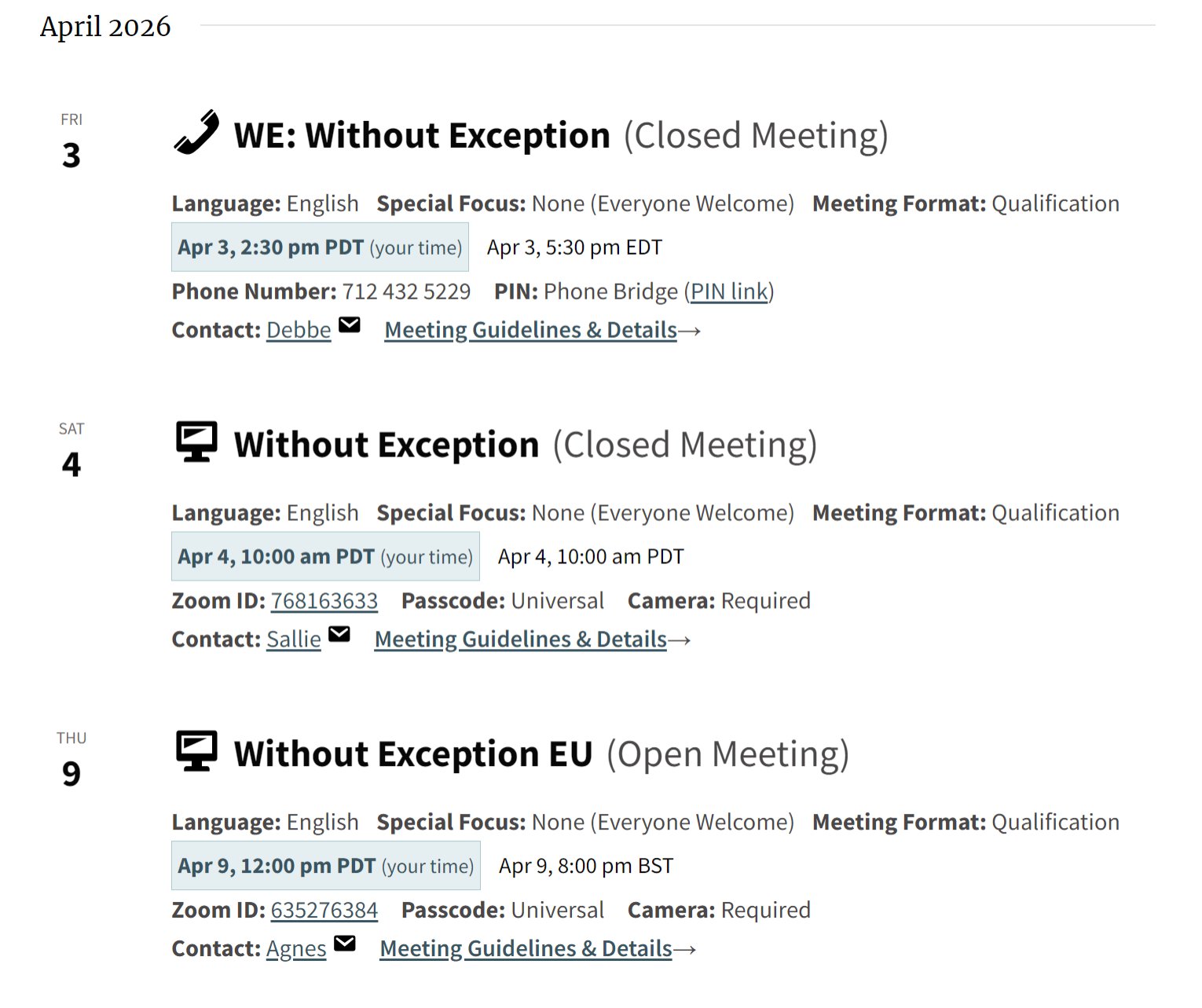
The keyword search includes meeting names and fields like Group ID and Meeting ID, but not meeting descriptions. Descriptions are excluded to prevent false positives.
You can use Group IDs and Meeting IDs (which show on the single meeting page) as search terms. This can be helpful for GSRs who want to be sure their meeting listing is accurate.